

Print a mail
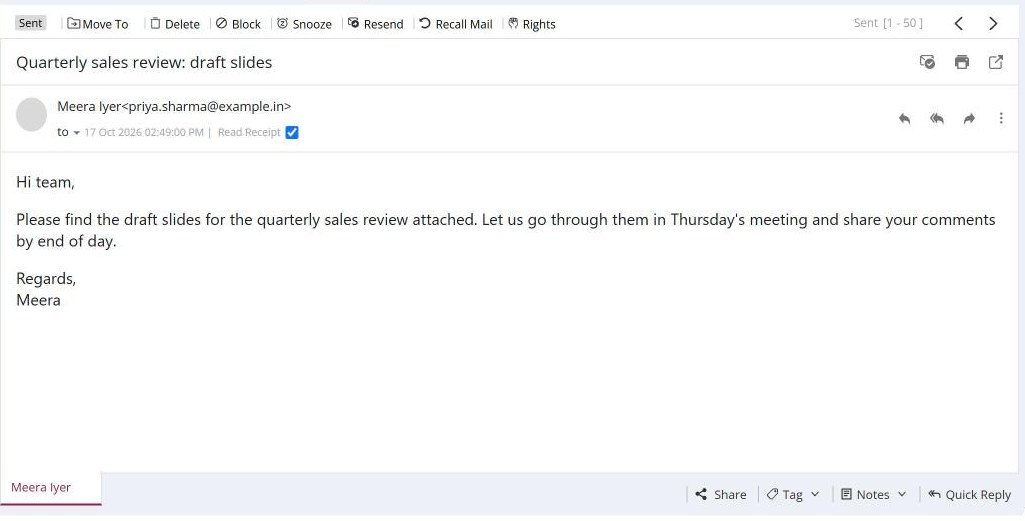
To print a mail, open it and click the printer icon in the header. A PREVIEW MAIL window shows the mail formatted for printing, with its headers and any notes. Click Print, or Convert as Image to save it as a picture. If the sender restricted printing, you see "You are not allowed to print this mail".
For: EveryoneWeb
How to print a mail
- Open the mail.
- Click the printer icon at the top right of the header.
- Check the PREVIEW MAIL window and click Print.
When to use it
Anita, an auditor at example.in, prints a signed approval mail for the physical audit file. The notes she added to the mail appear on the printout too.
Good to know
- You can also print from Full Comfort View.
- To print several mails together, select them, click Forward Many and use Print Preview.
Was this page helpful?
Updated 2026-10-28