

Add a tag to a mail you received
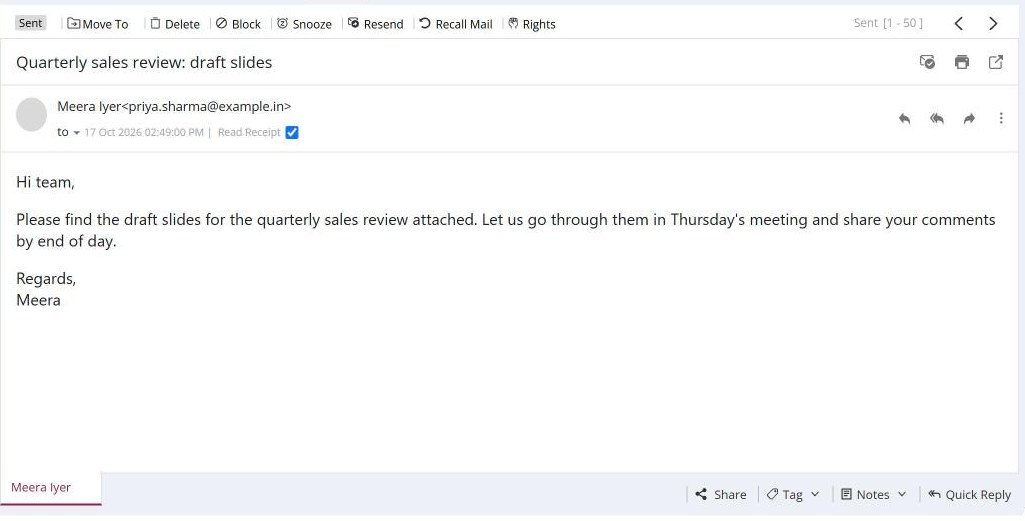
To tag a mail, open it and click Tag in the bar at the bottom. Type a tag of up to 20 characters and click the arrow to add it. The tag shows in the mail list and in search. To remove a tag, open the same menu and click the tag.
For: EveryoneWebAndroid
How to add a tag to a mail you received
- Open the mail.
- Click Tag in the bar at the bottom of the mail. The current tags are listed.
- Type a new tag and click the arrow to add it.
- To remove a tag, click it in the list.
When to use it
Meera, a lawyer at example.in, tags every mail about one matter "CaseNo-4471". Later she searches by that tag and sees all the case mails together, whichever folder they are in.
Good to know
- Special characters are removed from tags. Use letters, numbers and hyphens.
- You can tag only mails in your own mailbox.
Was this page helpful?
Updated 2026-10-28