

Resend a mail you already sent
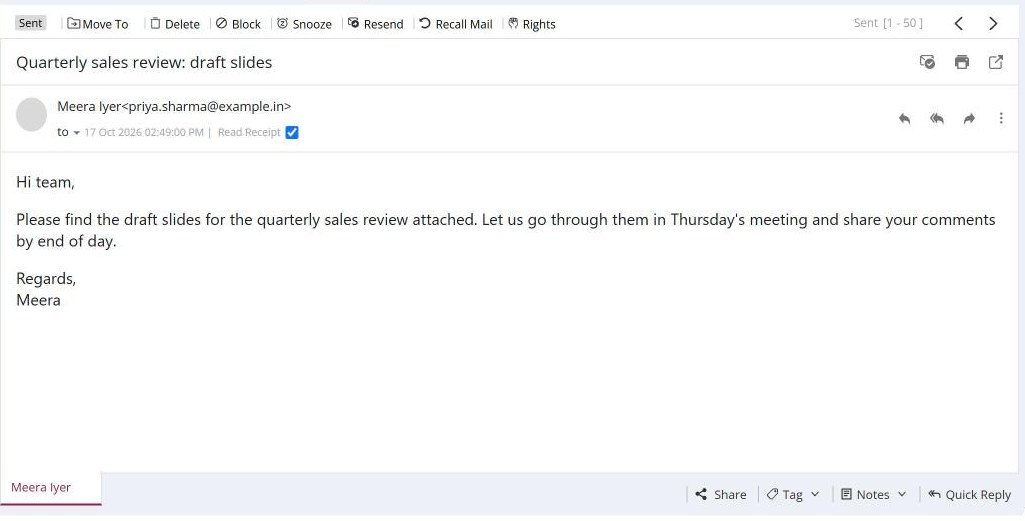
To send a mail again, open it in Sent and click Resend in the toolbar. A new mail opens with the same recipients, subject, text and attachments already filled in. Change anything you need and click Send. Resend is available only in the Sent folder.
For: EveryoneWebTime-saving● Unique to XgenPlus
How to resend a mail you already sent
- Open Sent and click the mail.
- Click Resend in the toolbar. A new mail opens, filled in.
- Check the recipients and text, then click Send.
When to use it
A client tells Meera they never got yesterday's quotation. She opens it in Sent, clicks Resend and sends it again with the same PDF attached, without retyping anything.
Good to know
- Before resending, check the delivery status of the original. If it shows Bounced, correct the address first.
Was this page helpful?
Updated 2026-10-28