

Snooze a mail until later
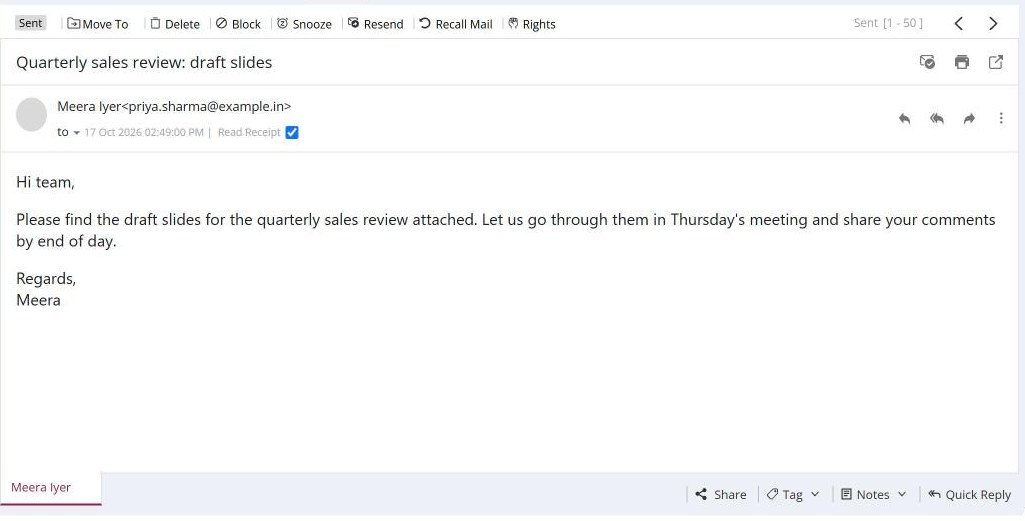
To snooze a mail, open it, click Snooze in the toolbar, pick a date and time and confirm. The mail moves to the Snoozed folder until then. To change the time, open it in Snoozed and click Re-snooze. The snooze date is shown in the mail header.
For: EveryoneWebAndroidTime-saving
How to snooze a mail until later
- Open the mail.
- Click Snooze in the toolbar.
- Pick a date and time and confirm.
- To change it later, open the mail in Snoozed and click Re-snooze.
When to use it
Rohit gets a "renew your domain within 30 days" notice for acme.in. He snoozes it to come back one week before the deadline, so it does not get lost in his Inbox.
Good to know
- Snooze is not available for mails in Trash, mails shared with you, Pendings or broadcast mails.
Was this page helpful?
Updated 2026-10-28