

Use Storage on iPhone
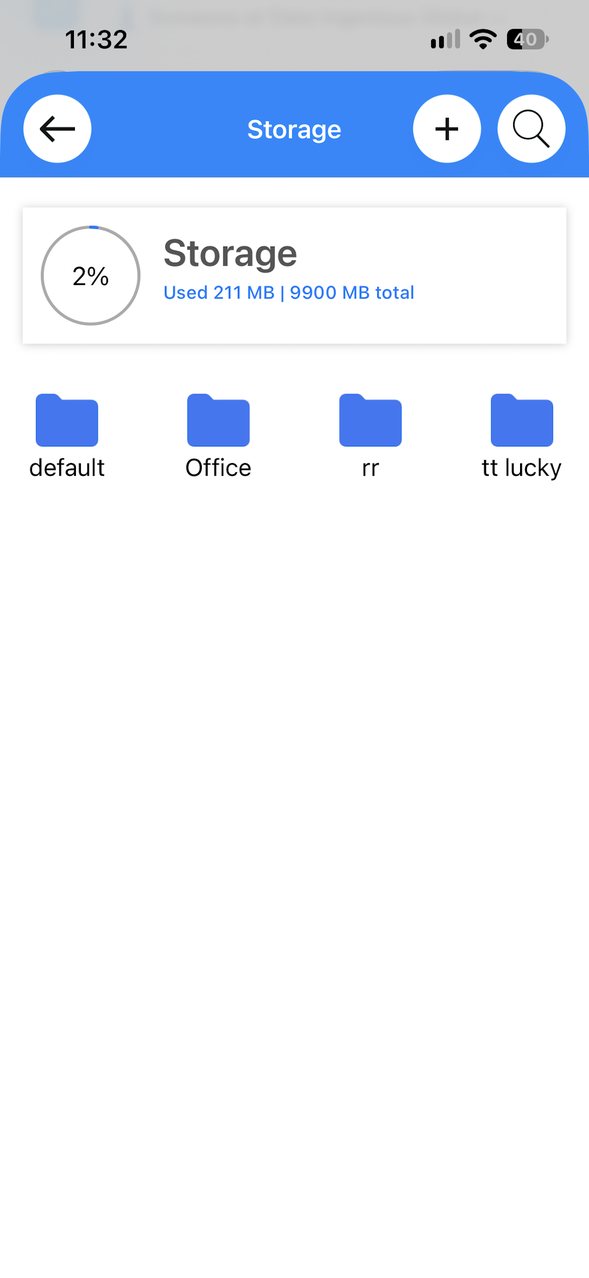
In the XgenPlus iPhone app, open the menu and tap Storage. The top of the screen shows how much space you have used out of your total. Tap a folder to open it. Tap + at the top right to add, or the search icon to find a file.
For: EveryoneWebAndroidiPhone
How to use Storage on iPhone
- Open the menu and tap Storage.
- Check the space used at the top.
- Tap a folder to open it.
- Tap + to add, or the search icon to find a file.
When to use it
Rohit needs a price list during a client meeting. He opens Storage on his iPhone and taps the Office folder to find it.
Good to know
- The same Storage is available on the web and in the Android app.
Was this page helpful?
Updated 2026-10-29