

Search folders shared with you
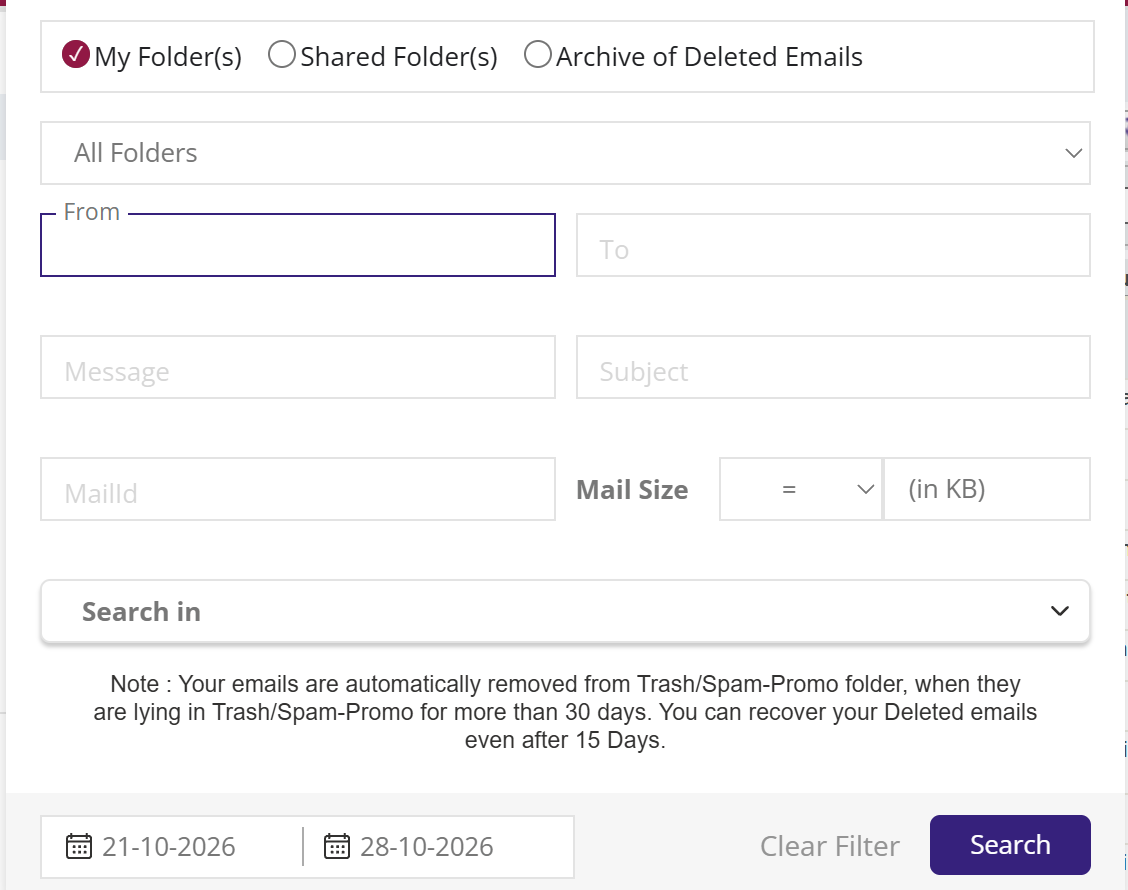
To search a shared folder, click the filter icon beside the search box and choose Shared Folder(s). Pick the folder in Select Shared Folder, fill in what you are looking for, such as sender, subject or dates, and click Search. If nobody has shared a folder with you, XgenPlus says there are no shared folders.
For: EveryoneWeb● Unique to XgenPlus
How to search folders shared with you
- Click the filter icon at the right of the search box.
- Choose Shared Folder(s).
- Pick the folder in Select Shared Folder.
- Fill in the search fields, then click Search.
When to use it
Kavita is the deputy to the managing director at acme.in, who has shared his "Board" folder with her. She needs last year's AGM minutes, so she searches that shared folder for "AGM" in the subject.
Good to know
- If you are already viewing a shared folder, Advanced Search switches to Shared Folder(s) for you.
- Selecting all matching mail across pages is not available for shared-folder searches.
- What you can do with the mails you find depends on the permissions the owner gave you, such as Reply or Forward.
Was this page helpful?
Updated 2026-10-28