

Import contacts from a CSV file
To import contacts, save them as a CSV file, then open Contacts and click Import. Browse to the file and continue. Match each XgenPlus field to a column in your file, choose a group for contacts without one and a rule for duplicates, then click Finish. Only CSV files can be imported.
For: EveryoneWebTime-saving
How to import contacts from a csv file
- Export your contacts from Outlook, Gmail or a spreadsheet as a CSV file.
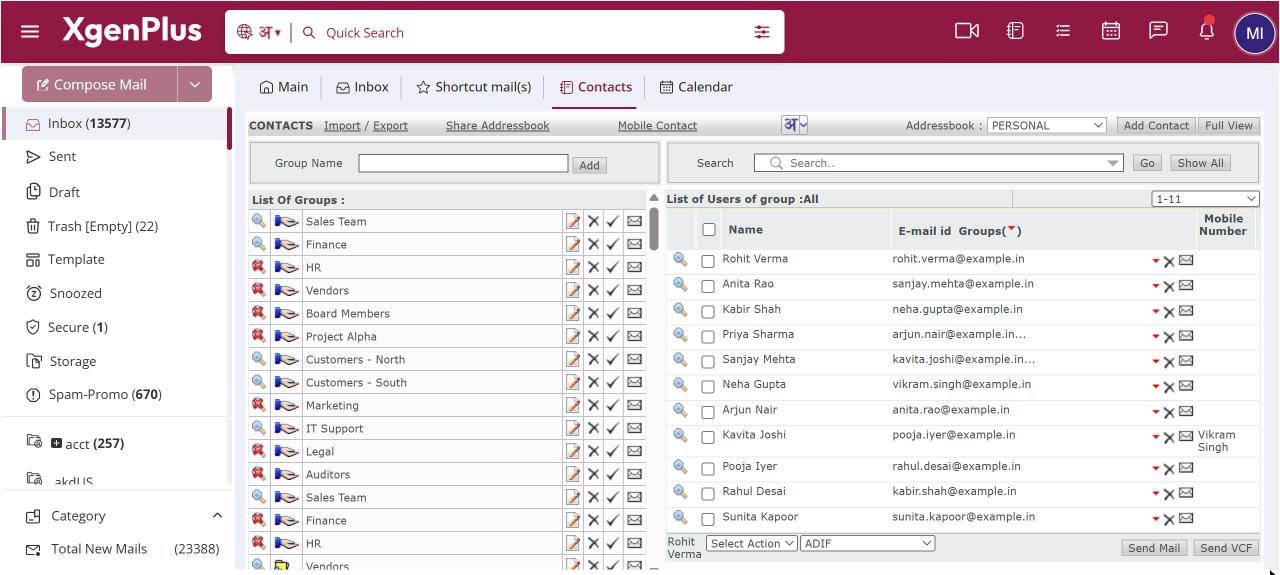
- Open Contacts and click Import.
- Browse to the CSV file and go to the next step.
- Match each XgenPlus field to a column in your file, and choose a default group and a duplicate rule.
- Click Finish, then correct any invalid rows that are shown.
When to use it
acme.in moves from Outlook. Each employee exports their contacts to CSV and imports them into XgenPlus, choosing Skip the Contact so entries they already added are not touched.
Options
| Option | What it does |
|---|---|
| Field matching | Matches your file's columns to name, email, company, phone, address, birth date, comments and group. |
| Group for contacts with no group | Where contacts go if your file has no group column. |
| Replace the Contact with New One | Overwrites an existing contact with the same email. |
| Skip the Contact | Keeps the existing contact and ignores the row. |
| Use Existing Contact Information | Keeps the existing contact and adds it to the new group. |
Good to know
- After the import you see how many contacts were imported and how many were invalid. You can fix invalid rows on the spot and save them again.
- Addresses that belong to a mailing list are not imported.
- There is a size limit on the file you upload.
Common questions
Can I import a vCard file?
Not from the import screen, which takes CSV only. You can add a single vCard you receive as a mail attachment.
What happens with very large files?
Large imports run in the background. You get a mail with a detailed status report when they finish.
Was this page helpful?
Updated 2026-10-28