

Export contacts to a CSV file
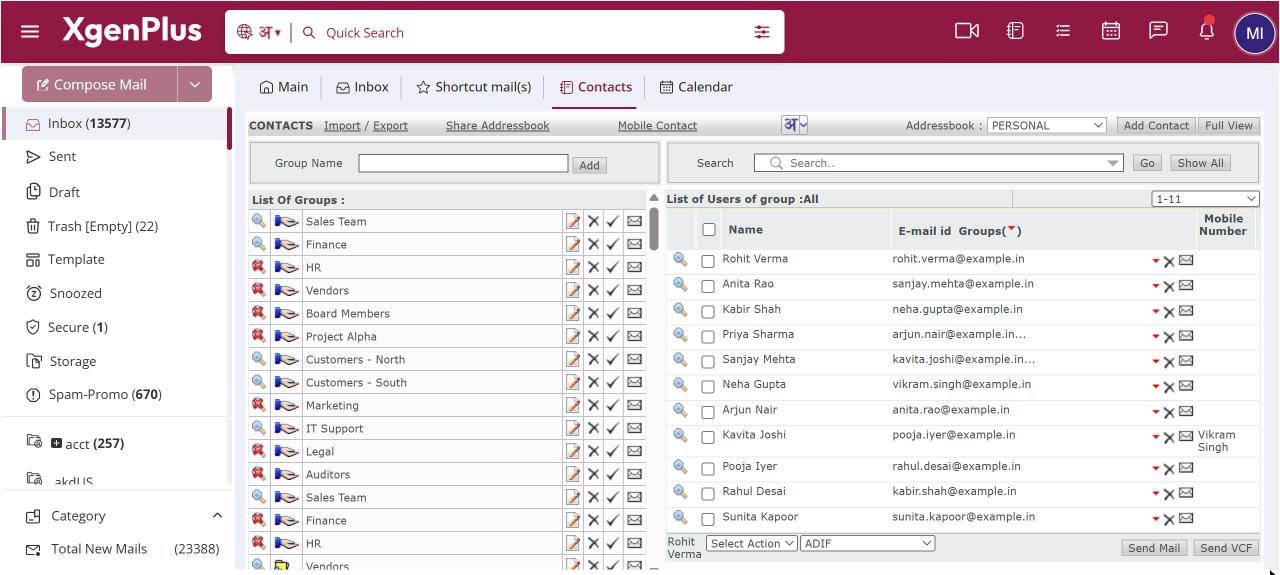
To export contacts, open Contacts and click Export. Tick the groups you want, then tick the fields to include under Choose the fields to be exported. Email address is always included. Optionally include incomplete addresses, then click Export in CSV Format. The file downloads and opens in Excel or any spreadsheet.
For: EveryoneWeb
How to export contacts to a csv file
- Open Contacts and click Export.
- Tick the groups to export, or click Select All.
- Tick the fields to include.
- Optionally tick Also add incomplete addresses.
- Click Export in CSV Format.
When to use it
Meera manages a conference. She exports only name, company and mobile for the SUMMIT-SPEAKERS group and sends the file to the venue for badge printing.
Good to know
- Export is in CSV format only.
- E-mail Address is always part of the export.
Was this page helpful?
Updated 2026-10-28